•Arnošt Havelka
Save command output to a file
Overwrite with >, append with >>, then check the file with cat.
Start Interactive Lesson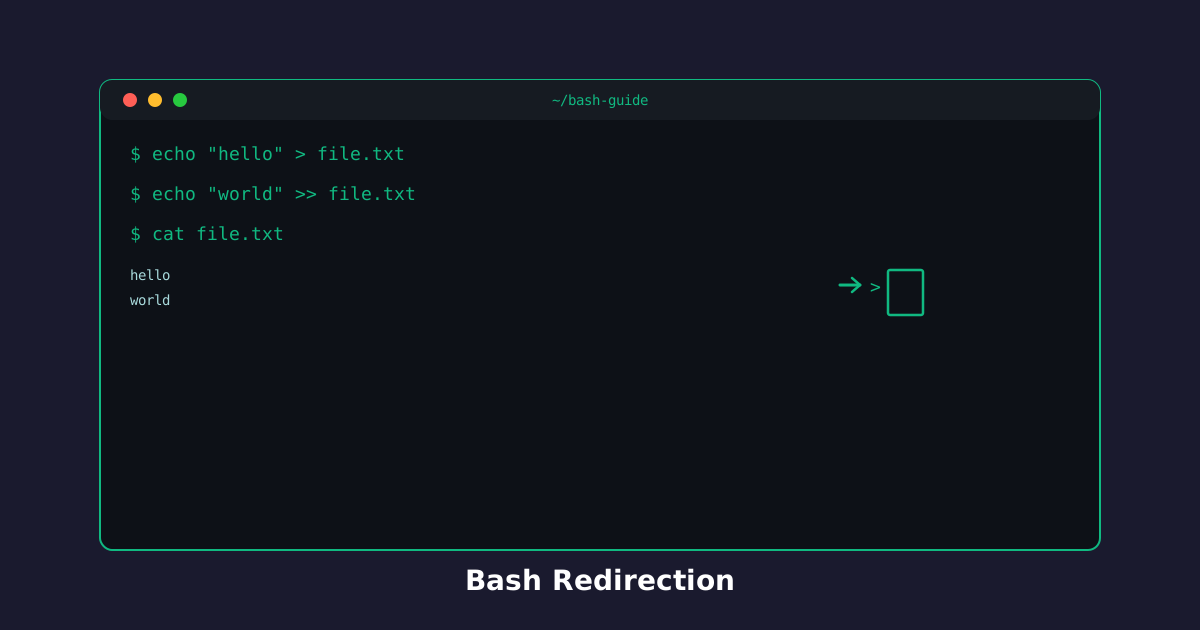
The terminal does not have to be the only place output goes. > writes a new file (or replaces one). >> adds a line to the end. cat is how you check the result.
Overwrite: echo 'item' > file
One > creates list.txt or replaces whatever was there.
Try the command
Write a line into list.txt!
Build the command
echo[text]>[target]
echolist.txt
Terminal
~$echo 'Apples' > list.txt
Start a list:
Terminal
~$cat list.txt
Append: echo 'item' >> file
Two arrows keep the old lines. That is how you grow a log or a grocery list.
echo 'Apples' > list.txt
echo 'Bread' >> list.txt
cat list.txt
You should see both Apples and Bread. Using > on the second line would have wiped Apples.
Terminal
~$echo 'Bread' >> list.txt
cat list.txt
Remember: > replace, >> add, cat verify.
Knowledge Check
1 / 3What does > do to an existing file?
References
These documentation links provide authoritative details for the commands used in this article.
Up Next
Send command output through a pipe
Use | to feed one command into the next, then chain grep and wc.