Send command output through a pipe
Use | to feed one command into the next, then chain grep and wc.
Start Interactive Lesson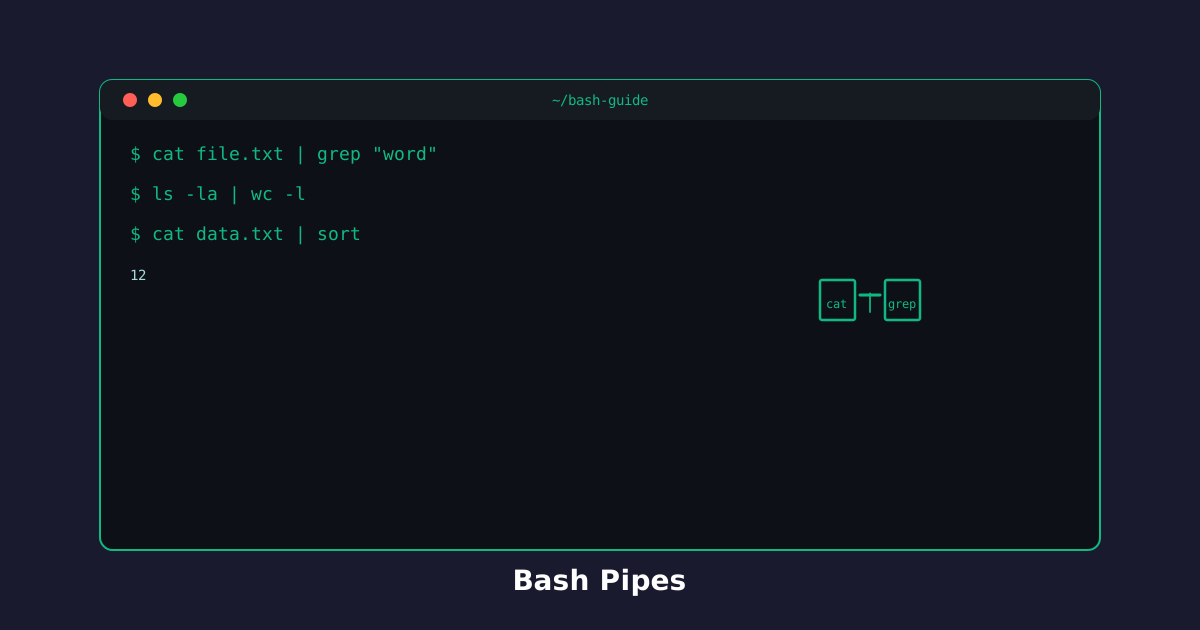
A pipe | takes the output of the command on the left and uses it as input on the right. You stop saving throwaway files just to filter them.
Filter a listing: ls | grep
ls prints names. grep keeps the lines you care about. Together:
Try the command
Keep only matching names from ls!
Keep the text files:
> writes to a file. | writes to another command. Mixing them up is the usual first mistake.
Chain three commands
You can pipe more than once. Count matching lines without opening the log:
printf '%s\n' 'info: started' 'warn: slow' 'warn: timeout' > log.txt
cat log.txt | grep warn | wc -l
cat prints the file, grep keeps warning lines, wc -l counts them.
Build pipes left to right: produce data, filter it, then summarize it.
Knowledge Check
1 / 3What does the | operator do?
References
These documentation links provide authoritative details for the commands used in this article.
Up Next
Find matching lines in a file, then ignore letter case with grep -i.