•Arnošt Havelka
Premium: Bash Log Hunt
Hunt deployment failures fast with grep pipelines, counts, and saved incident notes.
Start Interactive Lesson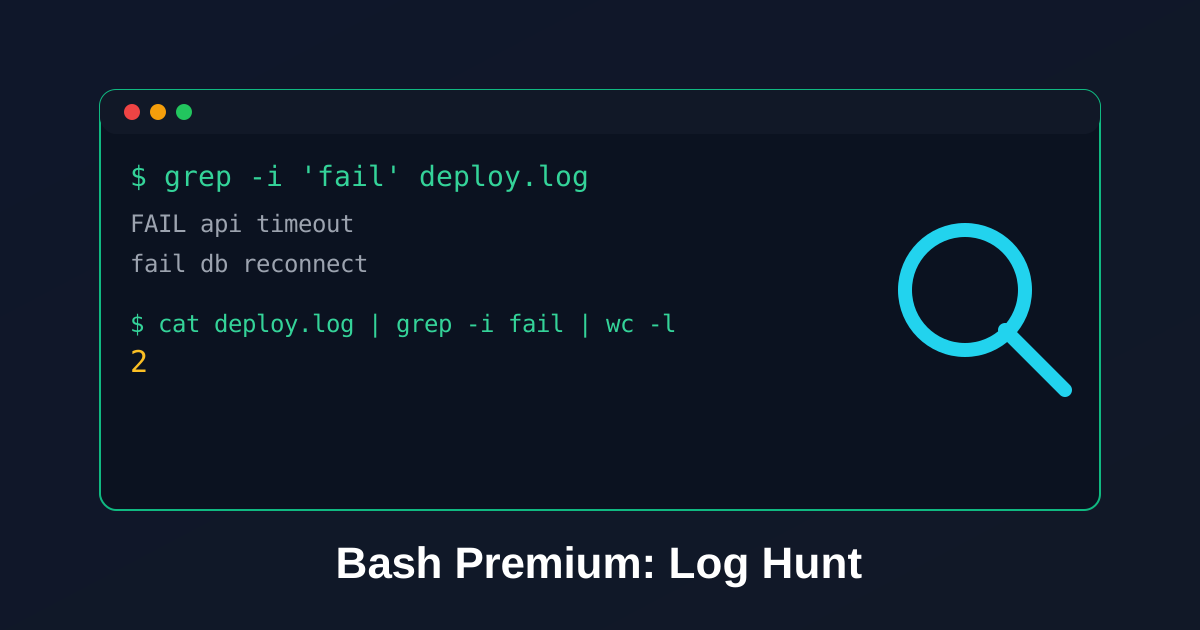
When incidents hit, speed matters. This drill teaches a repeatable grep workflow for mixed-case errors.
Pipeline Pattern
Try the command
Which command stores the fail count?
Build the command
cat[file]|grep-i[pattern]|wc-l>[target]
Terminal
~$cat deploy.log | grep -i 'fail' | wc -l > fail-count.txt
Step 1: Confirm Error Signal
Terminal
~$grep -i 'fail' deploy.log
Step 2: Save Count for the Timeline
Terminal
~$cat deploy.log | grep -i 'fail' | wc -l > fail-count.txt
cat fail-count.txt
Step 3: Slice by Incident Theme
Use extra filters to split failures by symptom:
grep -i 'timeout' deploy.log > timeout-errors.loggrep -i 'db' deploy.log > db-errors.log
Knowledge Check
1 / 2Why use grep -i during incident triage?
References
These documentation links provide authoritative details for the commands used in this article.
Up Next
Premium: Bash Incident Drill
Run a safe release triage workflow: stage, extract errors, and verify impact volume.