•Arnošt Havelka
Premium: Bash Incident Drill
Run a safe release triage workflow: stage, extract errors, and verify impact volume.
Start Interactive Lesson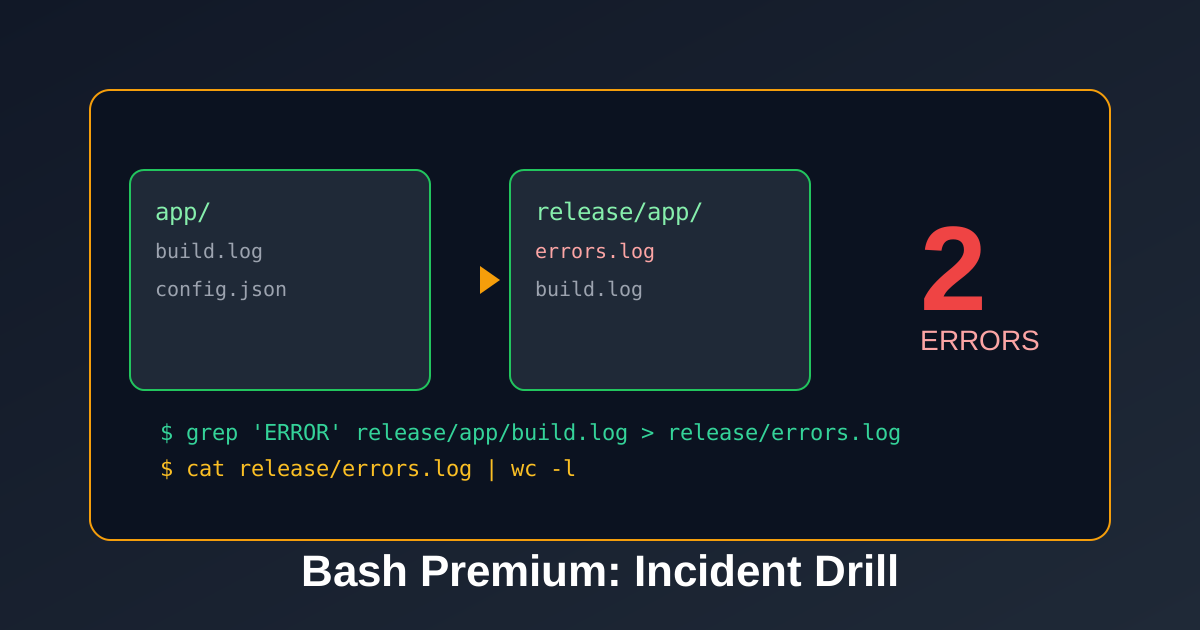
You are the on-call engineer. Build a safe release sandbox, isolate build errors, and quantify damage.
Step 1: Prepare a Safe Workspace
Terminal
~$mkdir -p release/app && cp -r app release/
ls release
This creates a disposable copy so investigation never touches the original folder.
Step 2: Extract Errors from Build Logs
Terminal
~$grep 'ERROR' release/app/build.log > release/errors.log
cat release/errors.log
Step 3: Verify Incident Size
Terminal
~$cat release/errors.log | wc -l
Checklist You Can Reuse
- Stage with
mkdir -p+cp -r. - Isolate critical lines with
grep. - Quantify impact with
wc -l.
Knowledge Check
1 / 2Why copy app into release/ before triage?
References
These documentation links provide authoritative details for the commands used in this article.
Up Next
How to Write and Run Your First Bash Script
Create a Bash script, check its syntax, make it executable, and understand the difference between bash script.sh and ./script.sh.