Search file text with grep
Find matching lines in a file, then ignore letter case with grep -i.
Start Interactive Lesson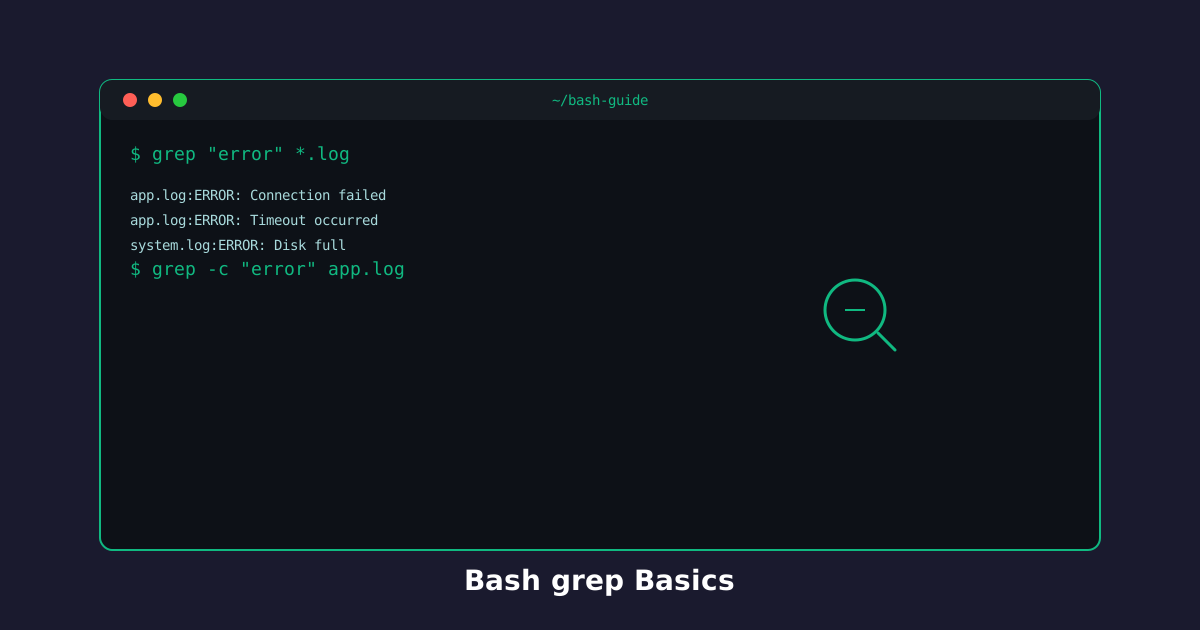
grep prints only the lines that contain a pattern. That is how you hunt a TODO in source, or pull warnings out of a log, without opening the whole file.
Find lines that match a word
Put the pattern first, then the filename. Quotes keep spaces and special characters safe.
Try the command
Pull matching lines from a file!
Hunt a marker in code:
Lines that do not match stay hidden. If nothing matches, grep prints nothing and you get the prompt back.
Ignore letter case: grep -i
Logs mix WARN and warn. -i treats them as the same word.
printf '%s\n' 'WARN: Slow response' 'warn: timeout' > log.txt
grep -i 'warn' log.txt
That prints both WARN: Slow response and warn: timeout.
Start with a quoted pattern and a filename. Add -i as soon as case is getting in the way.
Knowledge Check
1 / 3What does grep print?
References
These documentation links provide authoritative details for the commands used in this article.
Up Next
Search a tree with find . -name, then list only folders with -type d.