•Arnošt Havelka
Directory Navigation in Bash
Master the cd command to move around your file system.
Start Interactive Lesson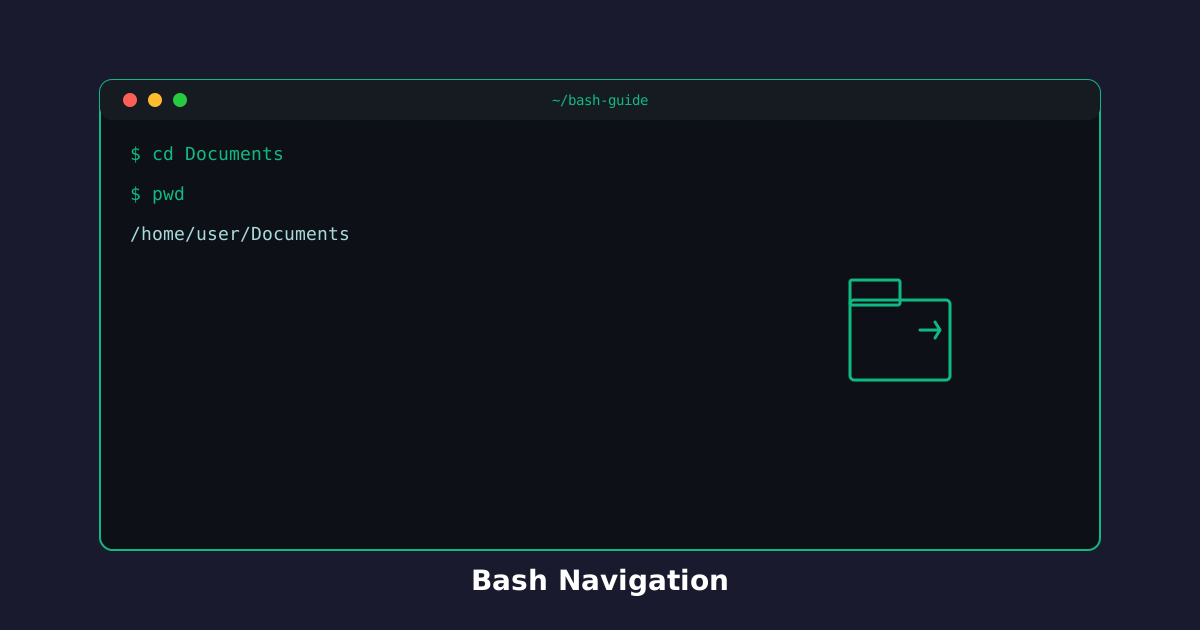
Now that you know where you are and what's around you, it's time to move. The cd command is your passport to navigate through directories.
Moving Between Directories
The cd command (change directory) is how you explore your file system. You can jump to any directory with a single command.
Try the command
Try moving to a new directory. What directory will you explore?
Build the command
cd[arguments]
cd
Terminal
~$cd Documents
Real-World Examples
Navigate to a specific directory:
Terminal
~$cd Documents
pwd
Going Back: Parent Directory
Need to go back? Use cd .. to move up one level to the parent directory.
Try the command
Go back one level!
Build the command
cd[arguments]
cd..
Terminal
~$cd ..
Climb back up:
Terminal
~/Documents$cd ..
pwd
Quick Navigation to /tmp
The /tmp directory is perfect for temporary files. Jump there instantly with cd /tmp.
Terminal
~$cd /tmp
pwd
Understanding Paths
- Absolute path (starts with
/):/tmp,/home/user- goes from the root - Relative path (no
/at start):Documents,..- relative to where you are now
Knowledge Check
1 / 3What does cd stand for?
References
These documentation links provide authoritative details for the commands used in this article.
Up Next
CLEAR - Clear the Screen
Learn to clear terminal output