•Arnošt Havelka
Mastering ls Flags
Learn powerful ls flags to see more file details.
Start Interactive Lesson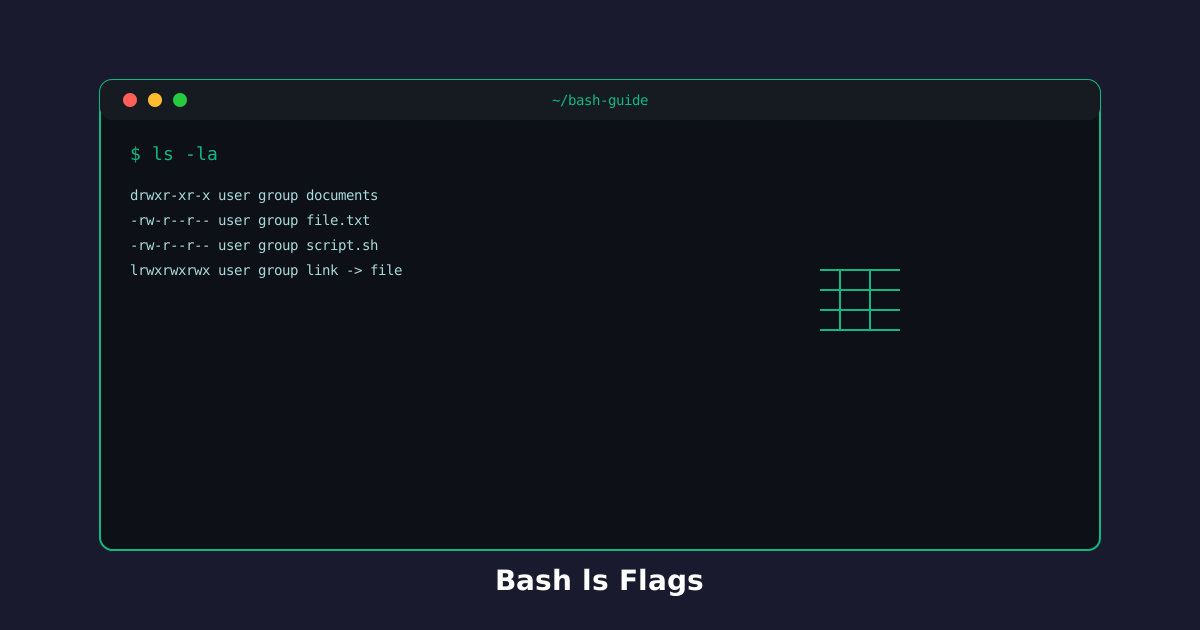
The ls command is more powerful than it first appears. Flags unlock detailed information about your files and show hidden files too.
Long Format: ls -l
The -l flag shows detailed information: permissions, owner, size, and modification date.
Try the command
See file details with long format!
Build the command
ls[arguments]
ls-l
Terminal
~$ls -l
drwxr-xr-x 1 user user 4096 Jan 15 10:00 Documents
drwxr-xr-x 1 user user 4096 Jan 15 10:00 Downloads
drwxr-xr-x 1 user user 4096 Jan 15 10:00 Desktop
-rw-r--r-- 1 user user 81 Jan 15 10:00 welcome.txt
-rw-r--r-- 1 user user 13 Jan 15 10:00 file1.txt
See everything in detail:
Terminal
~$ls -l
Show Hidden Files: ls -a
The -a flag reveals hidden files (those starting with a dot).
Try the command
Reveal hidden files!
Build the command
ls[arguments]
ls-a
Terminal
~$ls -a
Documents
Downloads
Desktop
welcome.txt
file1.txt
Uncover what's hidden:
Terminal
~$ls -a
Combine Them: ls -la
Use both flags together for maximum visibility!
Try the command
Get the complete picture!
Build the command
ls[arguments]
ls-la
Terminal
~$ls -la
drwxr-xr-x 1 user user 4096 Jan 15 10:00 Documents
drwxr-xr-x 1 user user 4096 Jan 15 10:00 Downloads
drwxr-xr-x 1 user user 4096 Jan 15 10:00 Desktop
-rw-r--r-- 1 user user 81 Jan 15 10:00 welcome.txt
-rw-r--r-- 1 user user 13 Jan 15 10:00 file1.txt
See everything:
Terminal
~$ls -la
Knowledge Check
1 / 3What does the -l flag show?
References
These documentation links provide authoritative details for the commands used in this article.
Up Next
Directory Navigation in Bash
Master the cd command to move around your file system.