•Updated•Arnošt Havelka
PowerShell Ripple Practice: Incident Triage
Run two-step log and process triage pipelines with repeatable, operator-grade output.
Start Interactive Lesson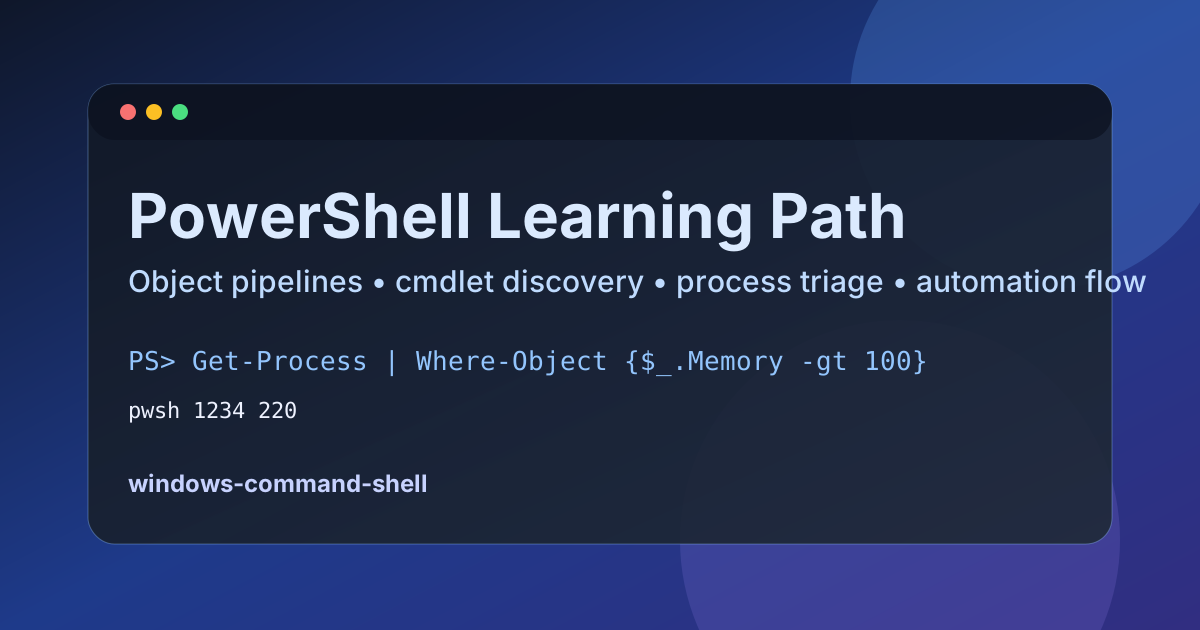
This capstone practice validates transfer, not memorization. You first isolate relevant logs, then run a focused process query to complete triage context.
Commands to Practice
Get-ChildItem | Where-Object {$_.Extension -eq '.log'} | Select-Object Name
Get-Process | Where-Object {$_.Name -eq 'pwsh'} | Select-Object Name, WorkingSet64
Expected Terminal Signal
You should see a compact log list and a focused process row:
app.log
error.log
pwsh 220
Why This Matters
Incidents require both artifact filtering and process context. This two-step pattern creates a fast baseline for escalation and remediation planning.
Common Mistakes
- Running process checks before confirming relevant files exist.
- Forgetting projection, which makes output harder to scan.
- Treating partial output as complete triage.
Practice Extension
Add severity slicing:
Get-ChildItem | Where-Object {$_.Extension -eq '.log'} | Select-Object Name
Get-Process | Where-Object {$_.WorkingSet64 -gt 100MB} | Sort-Object WorkingSet64 -Descending | Select-Object Name, WorkingSet64
Repeat until you can execute both stages cleanly without prompt-driven guidance.
References
These documentation links provide authoritative details for the commands used in this article.
Up Next
Premium: PowerShell Command Hunt
Use Get-Help and Get-Command to discover safe syntax before high-risk operations.