•Arnošt Havelka
Premium: PowerShell Incident Lab
Practice production-style pipelines for log isolation and process pressure triage.
Start Interactive Lesson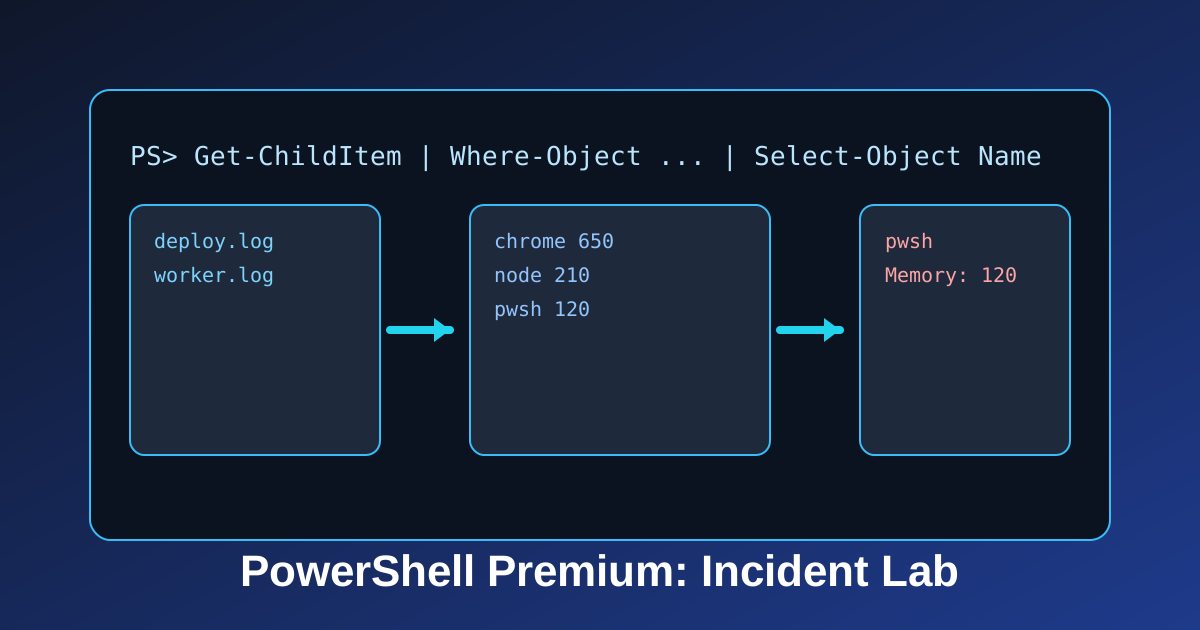
This lab trains three fast incident moves: isolate logs, rank heavy processes, and focus one process.
Step 1: Isolate Log Files
Terminal
deploy.log
notes.txt
worker.log
config.json
PS C:\Users\Student\Documents\IncidentLogsDemo>Get-ChildItem
Step 2: Surface Memory Pressure
Terminal
pwsh 1234 220
node 4321 180
explorer 777 95
PS C:\Users\Student\Documents\ProcessPressureDemo>Get-Process
Step 3: Zoom in on a Single Target
Terminal
pwsh 1234 220
PS C:\Users\Student\Documents\ProcessFocusDemo>Get-Process | Where-Object {$_.Name -eq 'pwsh'}
Why This Matters
- Keep noise out with
Where-Object. - Keep output readable with
Select-Object. - Prioritize quickly with
Sort-Object -Descending.
Knowledge Check
1 / 2What is the role of Where-Object in these pipelines?
References
These documentation links provide authoritative details for the commands used in this article.
Up Next
PowerShell Orientation: Location Anchors
Use Get-Location as a repeatable path anchor before file or process operations.