•Arnošt Havelka
Premium: PowerShell Command Hunt
Use Get-Help and Get-Command to discover safe syntax before high-risk operations.
Start Interactive Lesson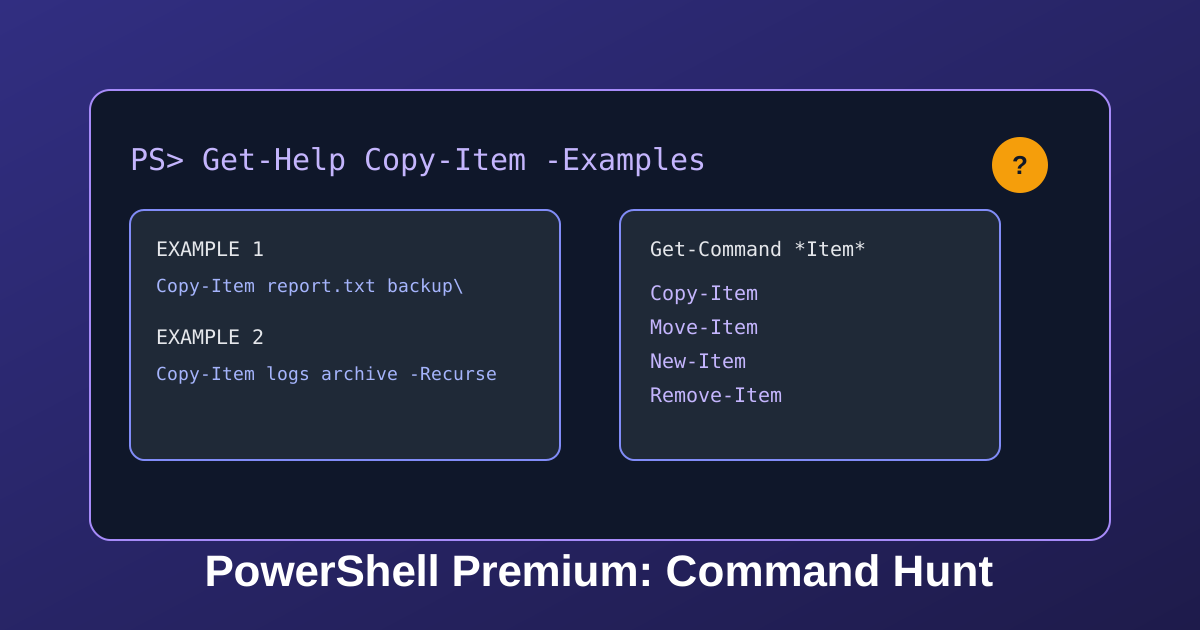
Power users move fast because they query the shell first. This lesson builds your discovery loop.
Discovery Loop
Try the command
Which command opens practical copy examples?
Build the command
Get-Help[arguments]
Terminal
PS C:\Users\Student>Get-Help Copy-Item -Examples
PS> Copy-Item -Path .\report.txt -Destination .\backup\report.txt
Copies report.txt into backup.
Step 1: Pull Real Examples
Terminal
Move-Item
Moves an item from one location to another.
Move-Item [-Path] <string[]> [[-Destination] <string>]
PS C:\Users\Student>Get-Help Move-Item
Step 2: Expand Your Option Set
Terminal
PS C:\Users\Student>Get-Command *Item*
Now you can compare candidates before touching files.
Knowledge Check
1 / 2When should you prefer Get-Help -Examples?
References
These documentation links provide authoritative details for the commands used in this article.
Up Next
Premium: PowerShell Incident Lab
Practice production-style pipelines for log isolation and process pressure triage.