•CMD Master Team
Command Chaining with &&
Run dependent commands in sequence so the next step executes only when the previous one succeeds.
Start Interactive Lesson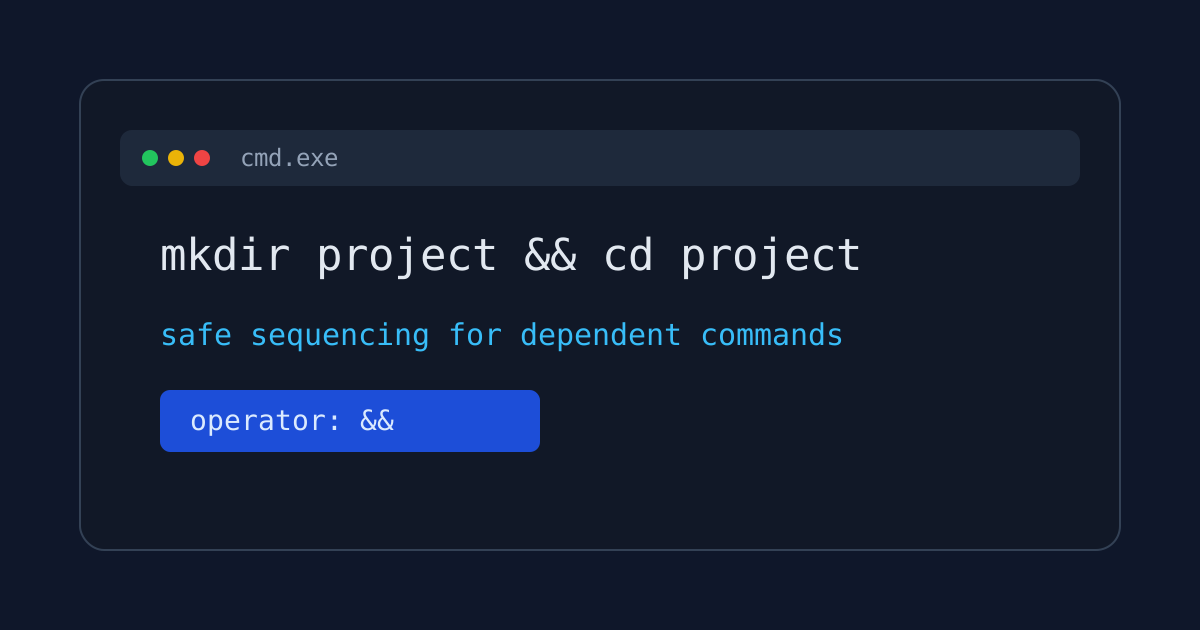
Command chaining lets you combine related actions into one safe sequence.
In CMD, && means: run the next command only if the previous command succeeded.
Core Pattern
mkdir reports && cd reports
Practical Example
Create a project folder and enter it only when creation worked:
mkdir project && cd project
This avoids confusing states where cd runs after a failed mkdir.
Why It Matters
When tasks depend on previous steps, chaining reduces mistakes:
- It prevents follow-up commands from running on failure.
- It keeps setup actions concise and repeatable.
- It mirrors real troubleshooting workflows where each step has a precondition.
Quick Check
If mkdir project fails (for example due to permissions), cd project is skipped.
That is exactly why && is a safer default than typing unrelated commands separately.
References
These documentation links provide authoritative details for the commands used in this article.
Up Next
The Rename Command
Give files new names.