•Arnošt Havelka
Getting Help in Bash
Learn how to access help and documentation for any command.
Start Interactive Lesson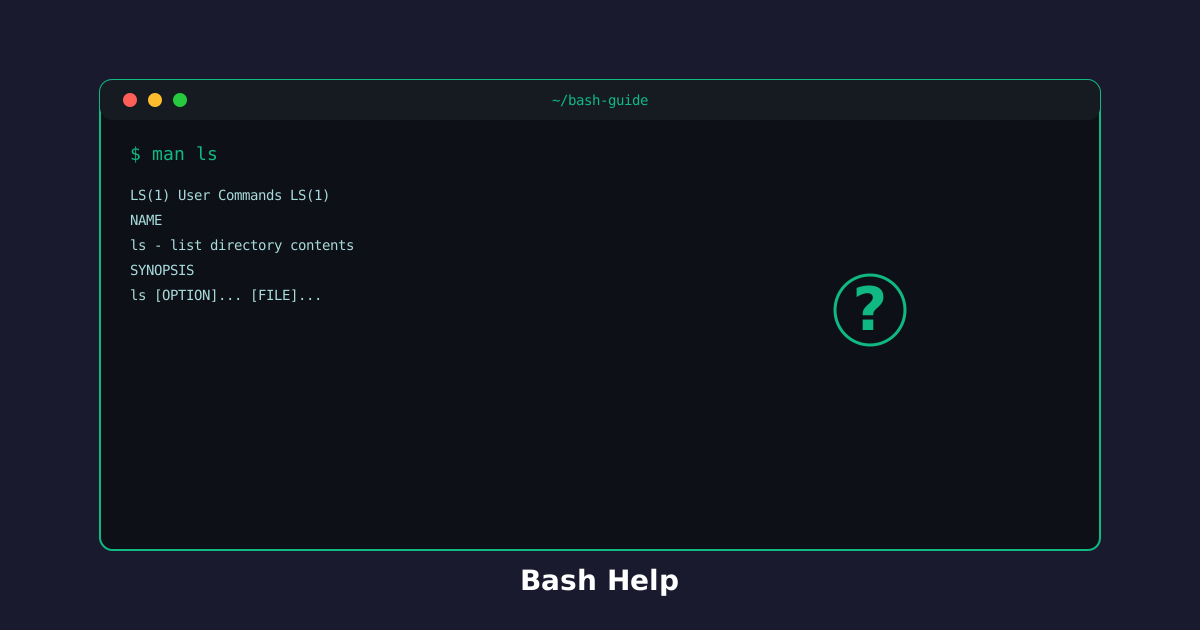
Forgotten how a command works? No problem! Bash provides built-in help systems to guide you.
Quick Help: command --help
Almost every command supports the --help flag to show its usage and options.
Try the command
Get quick help for any command!
Build the command
ls[arguments]
--help
Terminal
~$ls --help
ls
List information about the FILEs (the current directory by default).
ls [-a] [-l] [-R] [-d] [-F] [FILE]...
See what a command can do:
Terminal
~$cat --help
Full Documentation: man Pages
The man command opens the comprehensive manual for any command. Press q to exit.
Try the command
Dive deep into command documentation!
Build the command
man[arguments]
man
Terminal
~$man ls
ls
List information about the FILEs (the current directory by default).
ls [-a] [-l] [-R] [-d] [-F] [FILE]...
Explore full documentation:
Terminal
~$man grep
When to Use Which
Use --help when you need:
- Quick reference for flags
- Fast answer without reading full docs
Use man when you need:
- Complete understanding of a command
- Detailed examples and edge cases
- Full option reference
Knowledge Check
1 / 3How do you get quick help for a command?
References
These documentation links provide authoritative details for the commands used in this article.
Up Next
See past commands with history and which
Replay what you typed with history, and find where a command lives with which.