•Arnošt Havelka
Copying Files and Directories
Master cp to copy files and recursive directory structures.
Start Interactive Lesson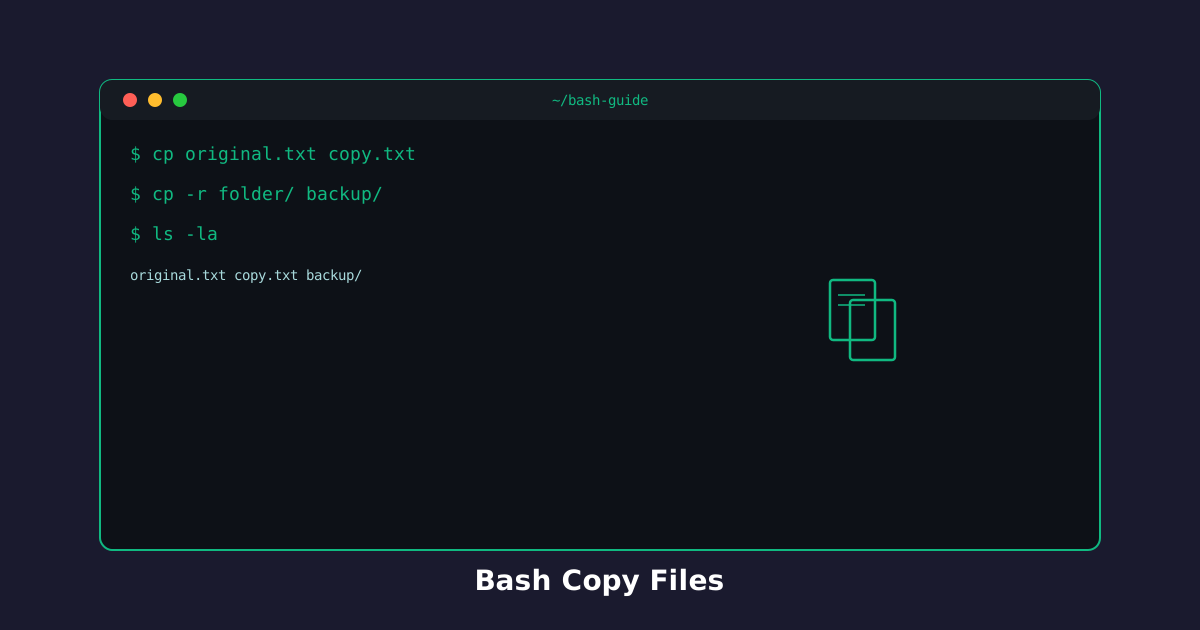
The cp command copies files and directories. It's essential for backing up and duplicating your work.
Copy a Single File
Use cp source destination to copy a file.
Try the command
Copy a file!
Build the command
cp[source][destination]
cp
Terminal
~$cp file.txt file_backup.txt
Duplicate a file:
Terminal
~$cp original.txt copy.txt
ls
Recursive Copy: cp -r
The -r flag copies entire directories with all their contents.
Try the command
Copy entire directories!
Build the command
cp-r[source][destination]
cp-r
Terminal
~$cp -r Documents Documents_backup
Duplicate folder structures:
Terminal
~$cp -r project backup
ls
Copy to Directory
Copy a file into an existing directory by using the directory as the destination.
Try the command
Copy file into a folder!
Build the command
cp[source][destination]
cp
directory/Target directory - keeps original filename inside the directory.
Terminal
~$cp file.txt ~/Documents/
Place file in folder:
Terminal
~$cp file.txt Archive/
ls Archive/
Knowledge Check
1 / 3What does cp do?
References
These documentation links provide authoritative details for the commands used in this article.
Up Next
Moving and Renaming Files
Use mv to move files between directories and rename them.