•Arnošt Havelka
Reading Files with cat
Use cat to quickly view file contents in the terminal.
Start Interactive Lesson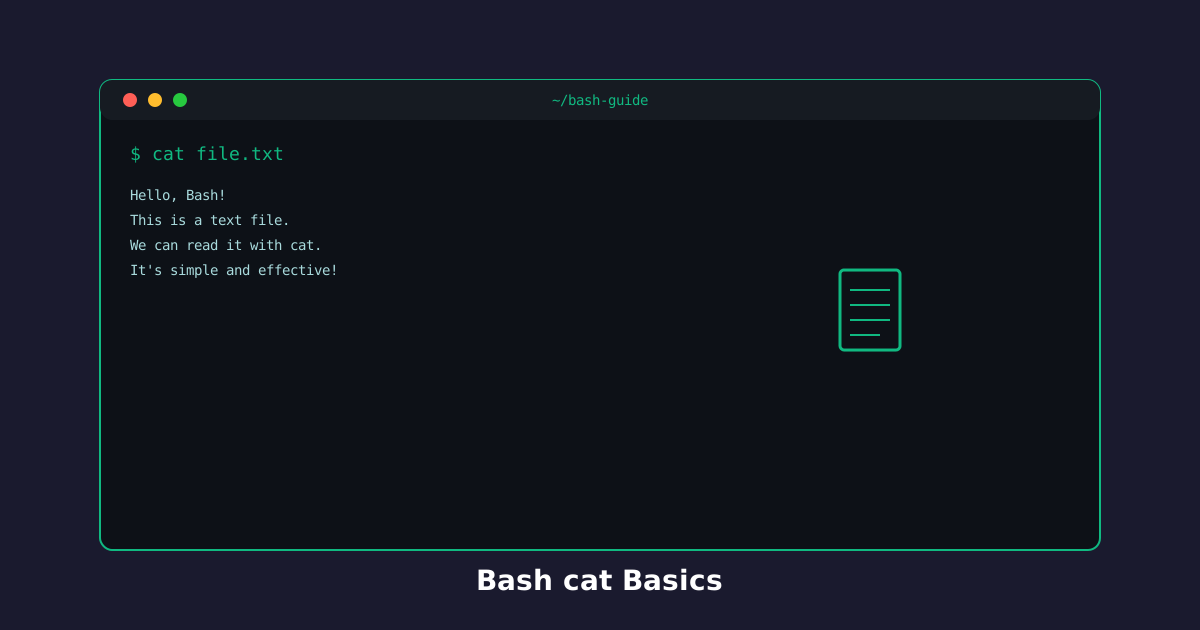
The cat command reads and displays file contents. It's the fastest way to peek at what's inside a file.
View a Single File
Use cat followed by a filename to see its entire contents.
Try the command
View a file's contents!
Build the command
cat[arguments]
cat
Terminal
~$cat file.txt
Project notes
Review next
See what's inside:
Terminal
~$cat notes.txt
View Multiple Files
Combine multiple files to see them all at once.
Try the command
Combine multiple files!
Build the command
cat[arguments]
cat
file1 file2Multiple files - cat displays them one after another.
Terminal
~$cat file1.txt file2.txt
First file
Second file
Merge files on screen:
Terminal
~$cat intro.txt content.txt
Quick Tips
catis perfect for small files- For long files, use
less(page through with space/arrow keys) catshows everything at once - it won't pause if the file is long
Knowledge Check
1 / 3What does cat do?
References
These documentation links provide authoritative details for the commands used in this article.
Up Next
Creating Files with touch
Use touch to quickly create empty files.